How to Scan Snapchat QR Code and Use Snapcodes Safely in 2026
A Snapchat QR Code (Snapcode) is the fastest way to add friends, unlock lenses, and access links safely in 2026. In this guide, you learn what Snapcodes are, how to scan them using the camera or camera roll, and how to share or create your own securely on Snapchat.
The article explains real-life uses, marketing benefits, common scanning issues, and simple fixes. It also covers essential safety tips to avoid fake or harmful Snapcodes. By the end, you’ll know exactly how to use Snapchat QR Codes confidently, efficiently, and without privacy risks.
What Is a Snapchat QR Code?
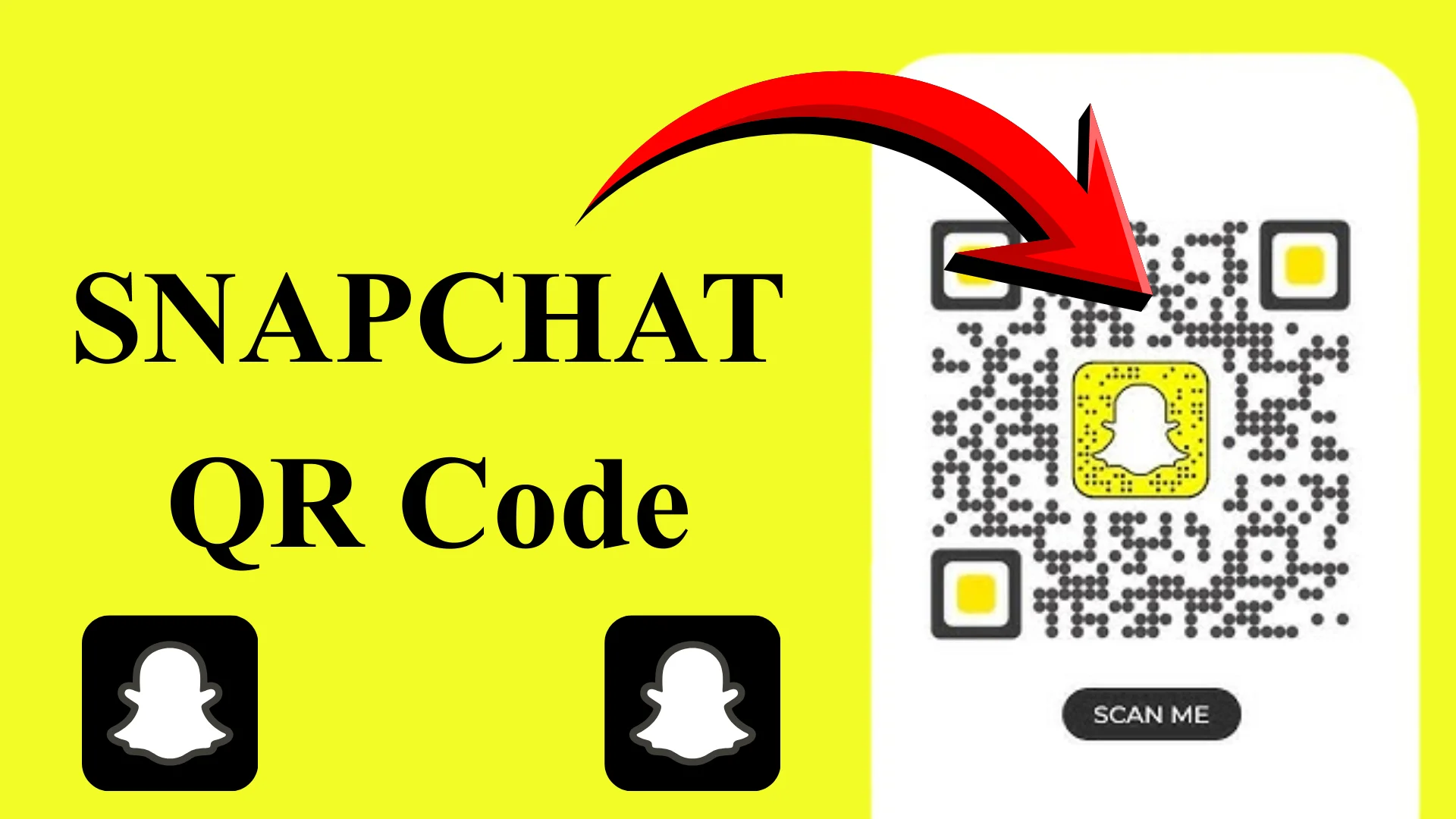
A Snapchat QR Code is a unique, scannable image that instantly opens something inside the Snapchat app. It might add a friend, unlock a Lens, or redirect you to a website with no typing required.
What You Can Do With a Snapcode
- Add friends instantly
- Unlock AR lenses and filters
- Open websites inside Snapchat
- Access exclusive or promotional content
Unlike standard QR codes, Snapcodes are designed specifically for Snapchat and work seamlessly within the app.
How to Scan a Snapchat QR Code Using the Camera
Scanning a Snapchat QR Code live is quick and beginner-friendly.
Steps to Scan a Snapcode Live
- Open the Snapchat app
- Point your camera at the Snapcode
- Press and hold on the screen
- Tap the banner that appears at the top
Once scanned, Snapchat automatically takes you to the linked profile, lens, or page.
Tip: On older phones, you may need to take a photo of the Snapcode before Snapchat detects it.
How to Scan a Snapchat QR Code From Your Camera Roll
Sometimes you receive a Snapcode via chat, email, or social media. Snapchat lets you scan saved images too.
Scan from Camera Roll on Android
Works smoothly on most Android devices:
- Open Snapchat → Profile icon
- Tap Add Friends
- Select the Snapcode icon
- Choose the image from your gallery
Scan from Camera Roll on iPhone
On iPhone, the steps are almost identical:
- Open Snapchat → Profile
- Tap Add Friend
- Pick the Snapchat image
- Let Snapchat scan it automatically
This method is perfect for screenshots or saved promotional Snapcodes
How to Find and Share Your Own Snapchat QR Code
Every Snapchat user already has a personal Snapcode.
Where to Find Your Snapcode
- Open Snapchat
- Tap your Bitmoji or profile icon
- Your Snapchat QR Code appears next to your username
Ways to Share It
- Save it to your camera roll
- Share it on Instagram or YouTube
- Add it to websites, posters, or business cards
This makes it easy for people to follow you without searching for your username.
Creating Custom Snapcodes for Websites and Campaigns
Snapchat also allows you to generate Snapcodes for external links.
How Custom Snapcodes Work
- Open Snapchat settings
- Go to Snapcodes
- Create a new Snapcode
- Paste your website URL
- Add an image or logo (optional)
These are great for creators, brands, and events looking to drive traffic.
Why Snapchat QR Code Is So Useful in 2026
The Snapchat QR Code continues to grow in importance because it saves time and boosts interaction.
Key Benefits
- Faster connections without typing
- A more engaging way to share links
- Ideal for creators, brands, and marketers
- Easy cross-platform promotion
From personal use to business growth, Snapcodes keep everything simple and interactive.
Safety Tips for Using Snapchat QR Codes
Snapcodes are powerful, but they should be used wisely.
Best Practices for Safe Use
- Share your Snapcode only with trusted people
- Avoid posting it on shady or spam-heavy sites
- Review privacy settings regularly
- Block or report suspicious accounts
If something feels off after scanning a code, you can always remove or block the connection.
Common Snapchat QR Code Problems and Fixes
Sometimes Snapcodes do not work as expected.
- Not scanning? Make sure the image is clear and well-lit
- Wrong link? Double-check the URL used in custom Snapcodes
- App glitch? Restart Snapchat or update the app
Most issues are minor and easy to fix within minutes.
FAQs About Snapchat QR Code
Final Summary
A Snapchat QR Code is one of the easiest and most fun ways to connect, explore, and share content on Snapchat in 2026. Whether you are scanning live, using your camera roll, or creating custom Snapcodes for links and promotions.
Understanding how they work and how to use them safely makes your Snapchat experience smoother and more powerful. With smart sharing and proper privacy settings, Snapcodes can be a simple tool with big benefits.