
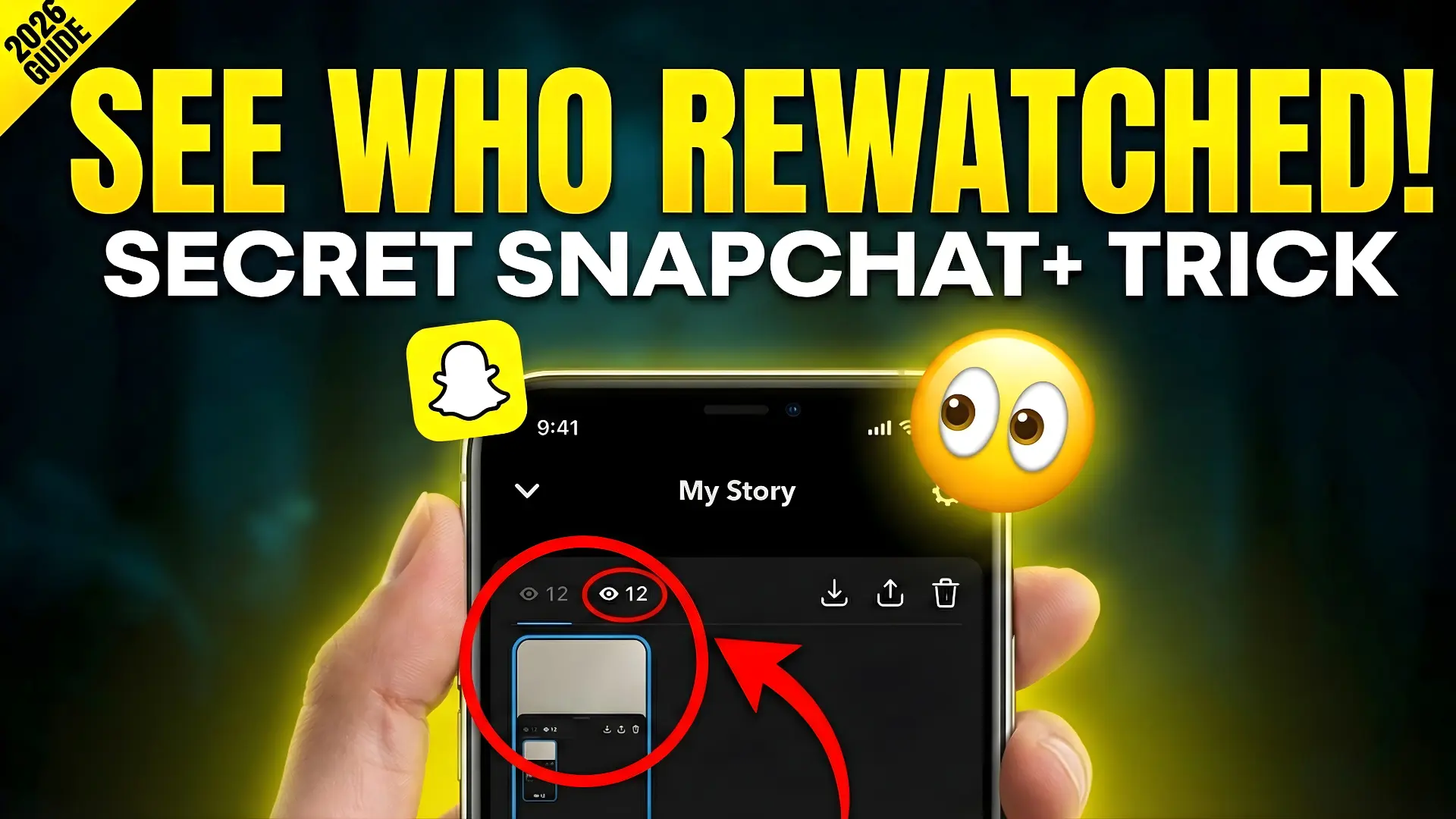
How to Know If Someone Rewatched Your Snapchat Story – Snapchat+ Guide 2026
If someone Rewatched Your Snapchat Story, Snapchat+ lets you see it through a 👀 eyes icon shown under your Story. This feature shows how many friends replayed your Story, but it does not reveal their names, keeping privacy safe. It works on My Story, Private Stories, and Shared Stories, but only for 24 hours.
To use it, you must have an active Snapchat+ subscription and turn on “Story Rewatch Count” in settings. This tool helps users and creators understand engagement, see what content people enjoy, and improve future Stories with better timing, captions, and visuals.
What the Snapchat Rewatch Feature Really Means
When you post a Story on Snapchat, it stays live for 24 hours. Everyone who sees it counts as a view. But when someone watches it again, that becomes a rewatch. Snapchat introduced this feature to give users deeper Story analytics without hurting privacy.
It Helps You Understand:
- Which Stories do people find interesting
- What type of content gets replayed
- Whether your snap was boring or engaging
The 👀 icon only shows how many friends rewatched your Story, not who.
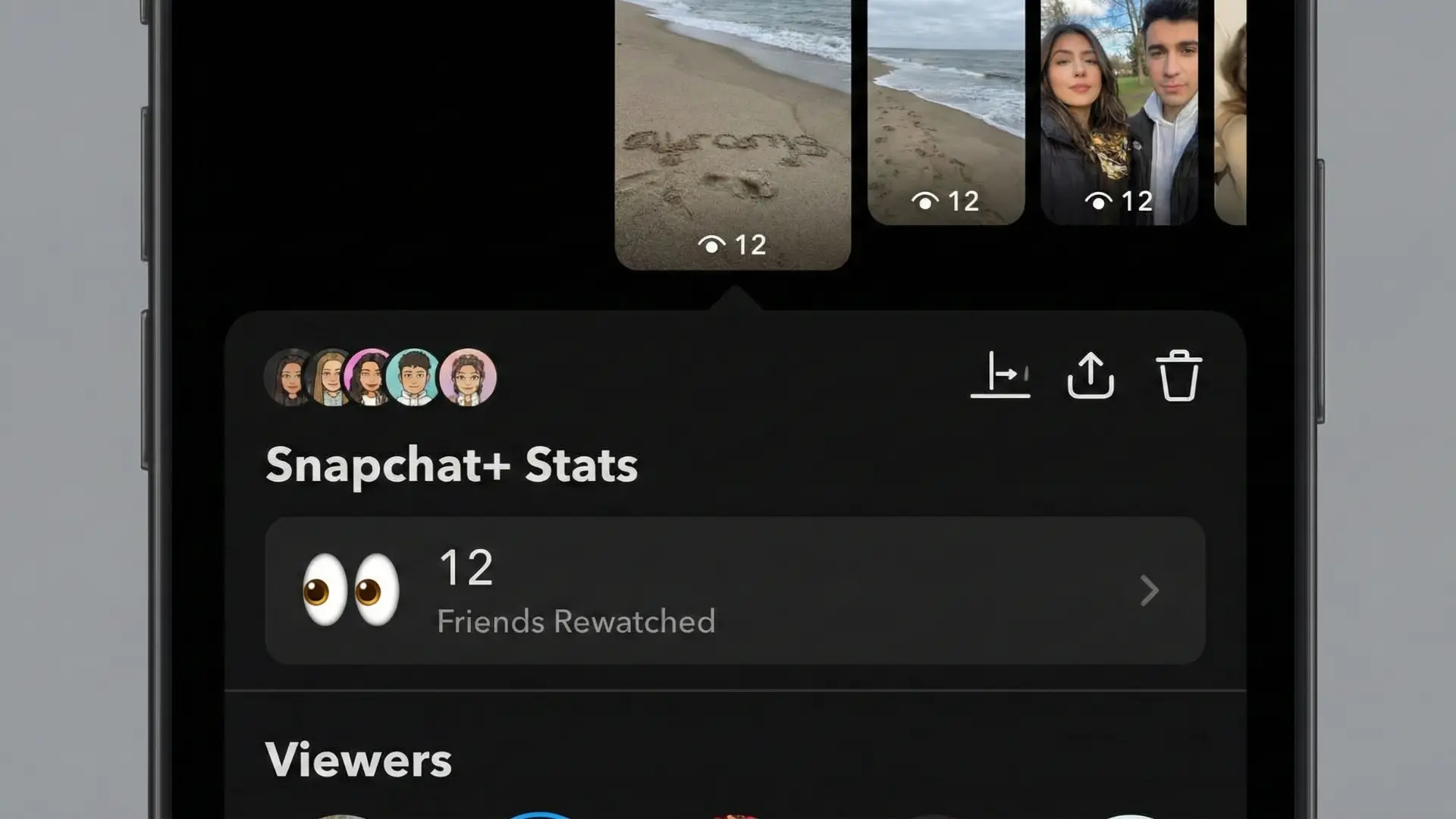
What the Rewatch Feature Actually Shows
Snapchat Stories normally tell you who viewed your content. But when someone Rewatched Your Snapchat Story, that second look wasn’t visible before Snapchat+.
Now, You See:
- A small 👀 eyes icon
- A number next to it
- That number shows how many friends rewatched the Story
This is different from total views. It counts how many people came back to watch it again, not how many times it played.
Who Can See Story Rewatch Data
This feature is only for Snapchat+ subscribers.
You Can See Rewatch Data On:
- My Story
- Private Stories
- Shared Stories
But remember, the rewatch data only stays for 24 hours. Once your Story expires, everything disappears: views, screenshots, and rewatch numbers.
How the Rewatch Indicator Works Behind the Scenes
The number next to the 👀 icon shows how many friends replayed your Story.
For Example:
👀 5 = Five friends rewatched your snap
It Does Not Show:
- How many times has one person replayed
- Who rewatched it
- The exact time of replays
So if someone re-watched your Snapchat Story ten times, it will still count as one.
How to Check If Someone Rewatched Your Snapchat Story
Follow These Simple Steps:
- Open Snapchat
- Tap your Bitmoji
- Open your posted Story
- Swipe up on the screen
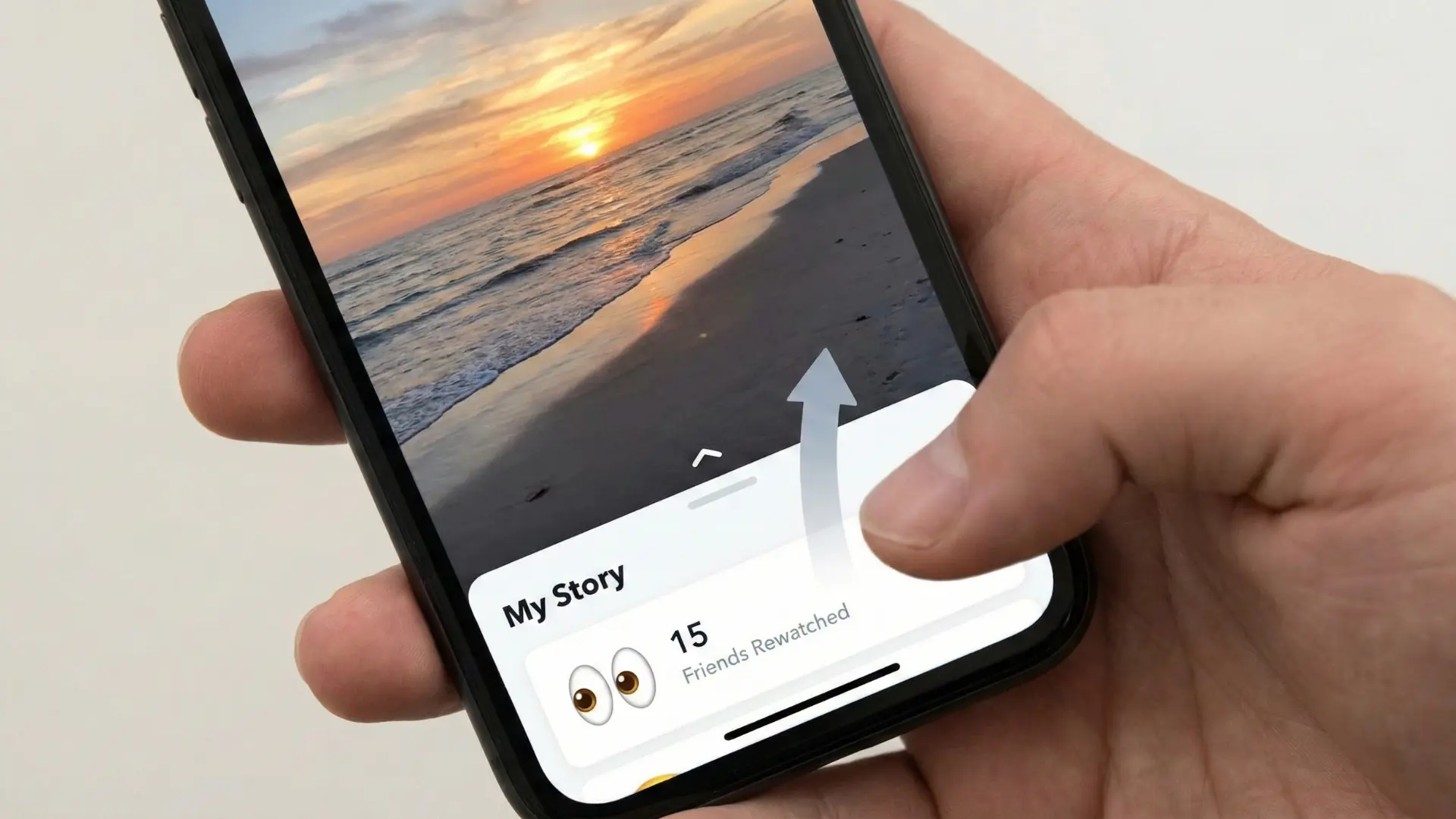
- Look for the 👀 icon and number
That number shows how many people Rewatched Your Snapchat Story.
This Works On:
- Public Stories
- Private Stories
- Group or Shared Stories
Turn On the Rewatch Feature in Snapchat+
Sometimes the feature is off by default.
To Enable It:
- Go to your Profile
- Tap the Snapchat+ card
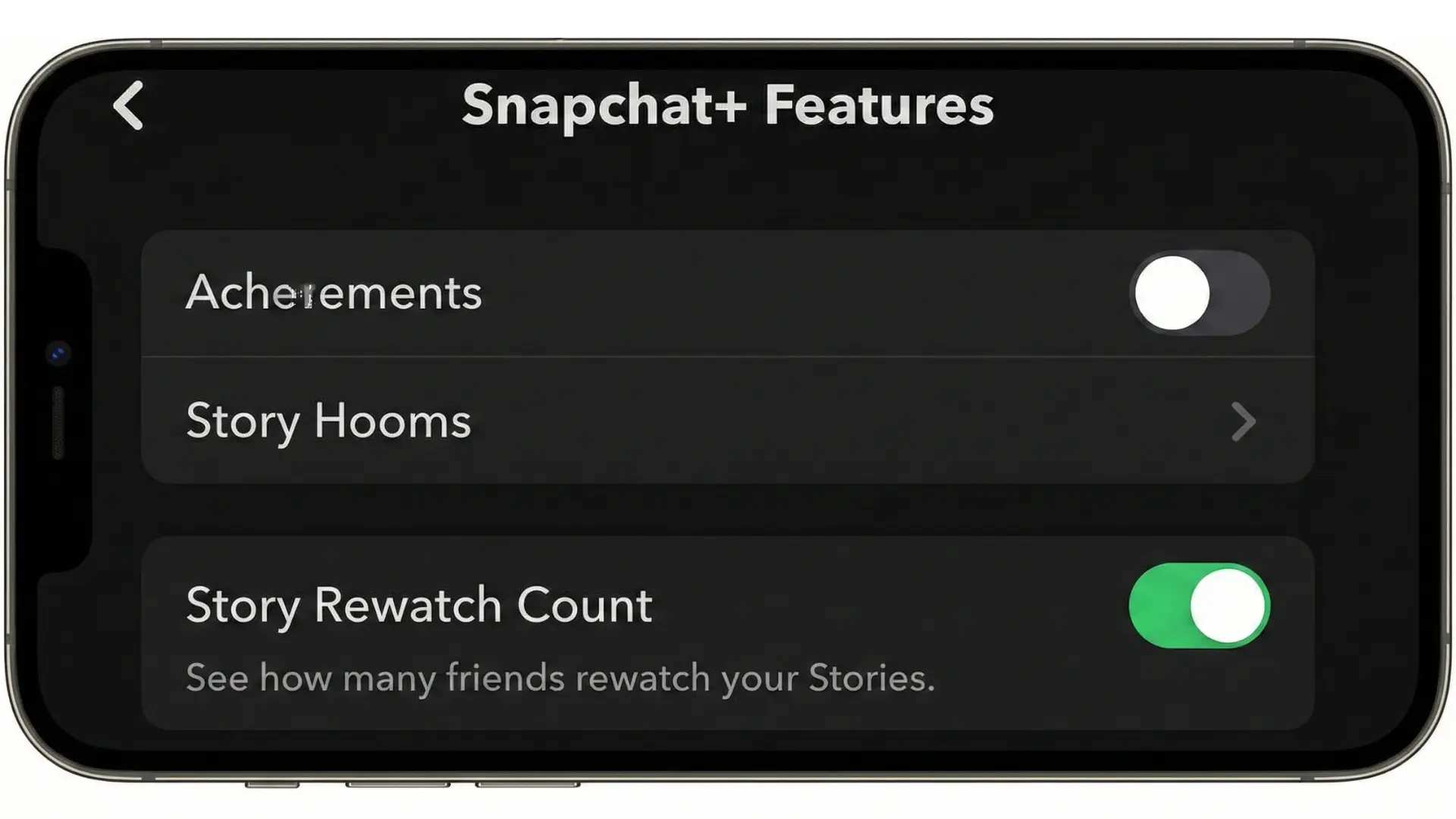
- Find “Story Rewatch Count”
- Toggle it ON
Once activated, all new Stories will show rewatch data.
How Creators and Users Can Use This Data
If someone Rewatched Your Snapchat Story, it means your content hit the mark.
You Can Use This Data To:
- Post similar snaps again
- Improve your storytelling
- Find out what your friends enjoy
- Build better content for Spotlight or Public Stories
Pakistani creators especially use this to see what works: travel clips, funny moments, food videos, or daily vlogs.
Extra Tips to Increase Story Rewatches
Want more people to Rewatch Your Snapchat Story?
Try This:
- Post at night (8–11 PM works best in Pakistan)
- Use text, stickers, and captions
- Add music
- Post short and interesting clips
- Tell a story instead of random snaps
Why You Might Not See Rewatch Numbers
If you don’t see the 👀 icon, check:
- Your Snapchat+ subscription is active
- Your app is updated
- The feature is enabled in settings
- Your internet connection is stable
A quick app update or restart usually fixes it.
Why This Feature Is Useful
Knowing who Rewatched Your Snapchat Story (or at least how many did) helps you:
- Find your most interesting content
- See which posts people like
- Decide what type of Stories to post next
For example, if your travel snaps from Hunza get more rewatches than random selfies, you know what your audience enjoys.
Privacy and Viewer Protection
Snapchat keeps things fair. You can see the number of people who rewatched your Story, but not their names. This protects privacy while still giving useful analytics.
You Can Also Control:
- Who sees your Story
- Who can reply
- Who can view Private Stories
FAQs
Final Summary
The Snapchat+ Rewatch Indicator is a smart way to know if someone Rewatched Your Snapchat Story. While it does not reveal names, it shows how many friends found your content interesting enough to watch again.
This feature works on all Story types, lasts for 24 hours, and helps you understand your audience better. If you love tracking engagement, Snapchat+ makes your Stories much more meaningful.