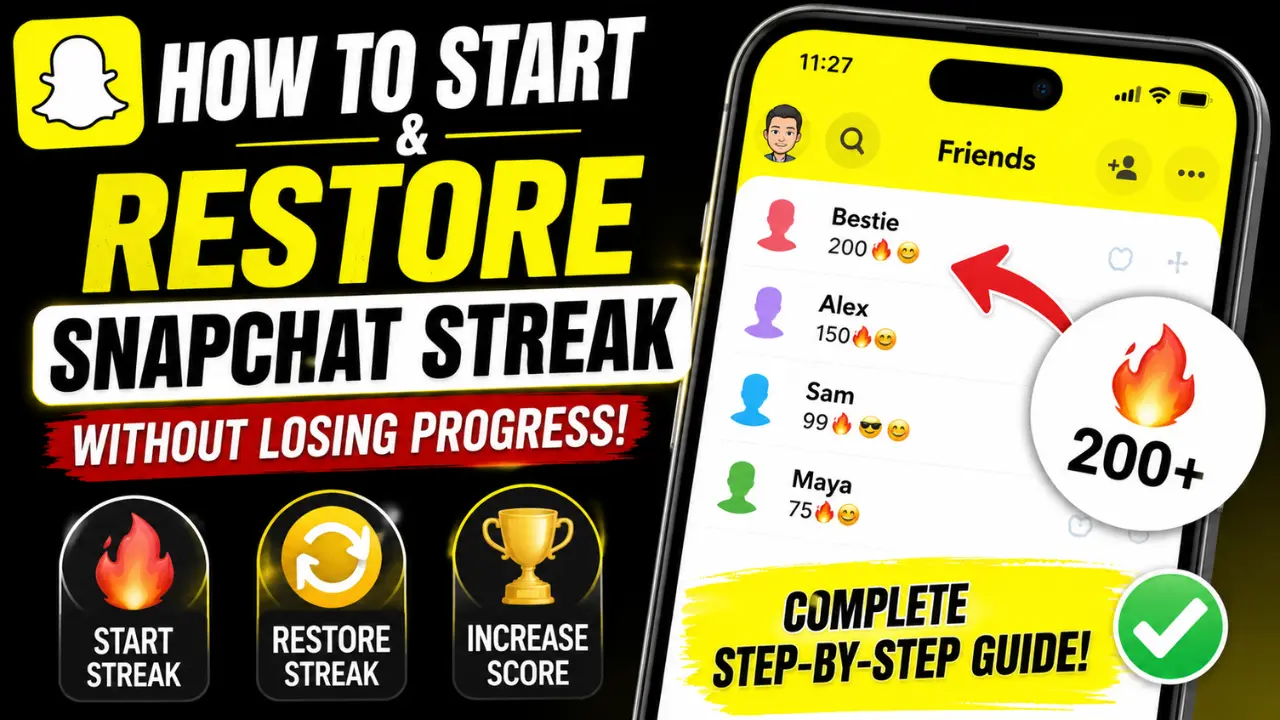
How to Start and Restore a Snapchat Streak Without Losing Your Progress – Know Complete Step-by-Step Guide
Did your Snapchat Streak disappear overnight? Wondering how to start a new streak or recover one without losing all your hard-earned progress? Snapchat Streaks are one of the platform’s most popular snapchart features, helping friends stay connected through daily Snap exchanges.
However, missing a single day can break your streak and leave you starting from zero. The good news is that Snapchat offers ways to restore lost streaks in certain situations. In this guide, you’ll learn how to start a Snapchat Streak, keep it active, increase your Snap Score, customize streak emojis, and restore a broken streak step by step.
What is Snapchat Streak?
A Snapchat streak is like a record. It’s created when you and your friend send each other photos. Once the streak starts, the number of days you’ve been on the streak will appear on Snapchat alongside your friend’s name, making it easy to track the progress.
You should know that sending a text chat does not count as a streak. Only a streak that is created with the help of your real photos will count. If you do not send a Snap even once within 24 hours, the streak will be broken.
The disadvantage of this is that you will have to start the whole streak from the beginning. As you send a streak every day, this increases your streak. The advantage of increasing this streak is that your Snap score keeps increasing.

How to Start a Snapchat Streak
If you want to start a Snapchat Streak successfully, there are a few important rules you need to follow.
- Send Snaps Daily: You and your friend must send each other at least one Snap every day. If either of you misses a day, the streak will end. Keep in mind that regular chat messages do not count toward a streak. Only real photo or video Snaps count.
- Don’t Rely on Group Snaps: Sending Snaps to a group can be fun, but group Snaps do not count toward a Snapchat Streak. To keep a streak active, you must send Snaps directly to the friend with whom you have the streak.
- Avoid Using Memories: Snapchat Memories is useful for saving photos and videos, but Snaps sent from Memories do not help maintain a streak. You should use Snapchat’s camera to capture and send a new Snap.
- Follow the 24-Hour Rule: This is the most important rule of all. If you or your friend fail to send a Snap within 24 hours, the streak will be broken. Snapchat does not make exceptions, so make sure both of you exchange at least one Snap every day.
Once you follow these rules and exchange Snaps for three consecutive days, your Snapchat Streak will officially begin. This makes it easy to track your progress and see how long your streak has lasted.
What Is the Point of Snapchat Streaks?
At first glance, Snapchat Streaks may seem like a simple game between friends. The goal is to keep sending Snaps back and forth every day and watch your streak number grow. However, streaks are about more than just seeing a big number next to someone’s name.
They encourage you to stay in touch with friends regularly and make daily conversations more fun. Many Snapchat users enjoy the challenge of keeping a streak alive for weeks, months, or even years. As your streak gets longer, it starts to feel like a shared achievement that you and your friend have built together.
Streaks can also help increase your Snap Score because every Snap you send or receive adds activity to your account. This gives users another reason to stay active and connected on Snapchat.
How to Increase Your Snap Score
Your Snap Score grows as you use Snapchat plus. While there is no secret trick to instantly raise it, staying active on the app can help your score climb over time.
1. Send Snaps Every Day
One of the easiest ways to increase your Snap Score is by sending Snaps regularly. The more active you are, the more opportunities you have to earn points. Keeping your streaks active is a great place to start.
2. Add More Friends
Connecting with new friends gives you more people to exchange Snaps with. More conversations and more Snaps can lead to a higher Snap Score over time. You can find new friends through Snap Map, mutual friends, or Snapchat’s suggestions.
3. Respond to Incoming Snaps
Don’t ignore the Snaps your friends send you. Replying helps keep conversations going, maintains streaks, and keeps your Snapchat activity consistent.
4. Share Snaps to Your Story
Posting photos or videos to your Story is another way to stay active on Snapchat. Sharing updates with your friends can contribute to overall account activity while helping you stay engaged on the platform.
How to View Your Snap Streaks
Checking your Snapchat Streaks only takes a few seconds. Open Snapchat and go to the Chat screen where all of your conversations appear. If you have an active streak with a friend, you will see a streak number next to their name. This number shows how many days in a row both of you have exchanged Snaps.
For example, if the number shows 100, it means you and your friend have successfully maintained the streak for 100 consecutive days. Looking at these numbers is an easy way to keep track of your longest streaks and see which friendships are the most active.
How to Change Streak Emojis
Snapchat uses the 🔥 emoji by default to show active streaks. If you would like something different, you can customize the emoji and choose one that better matches your style.
Follow these steps:
- Open Snapchat and tap your profile icon or Bitmoji.
- Tap the Settings icon in the top-right corner.
- Scroll down and select Customize Emojis.
- Tap Snap Streaks from the list.
- Choose the emoji you want to use.
- Save your changes.
Once updated, your selected emoji will appear anywhere your Snapchat Streak is displayed.
How to Restore Snapchat Streak
Sometimes unexpected things happen, and you might forget to send a photo within a 24-hour period, causing you to lose your streak. Don’t worry; Snapchat allows you to recover lost streaks under certain conditions.
Here’s how you can recover your Snapchat streak:
- Open Snapchat and go to your profile by tapping your Bitmoji or profile icon.
- Tap “Settings” in the top right corner.
- Scroll down and find the “Help” section. Tap “I need help.”
- Tap the option “My Snapchat streaks disappeared.”
- A form will appear. Fill it out, explaining why your streak disappeared.
- After you submit the form, Snapchat will review your request and send you an email with the response.
It’s important to answer the questions on the form accurately and keep in mind that your request could be rejected if you repeatedly lose streaks.
Final Summary
Snapchat Streaks are a great way to track your interactions with friends and increase your score. By regularly sending photos, adding new friends, and posting to your story, you can keep your streaks active and grow your score.
If you break a string, you can request a reset through Snapchat support. And don’t forget to customize your streak emoji to add a personal touch. So start sending snaps, creating streaks, and having fun with your friends on Snapchat!