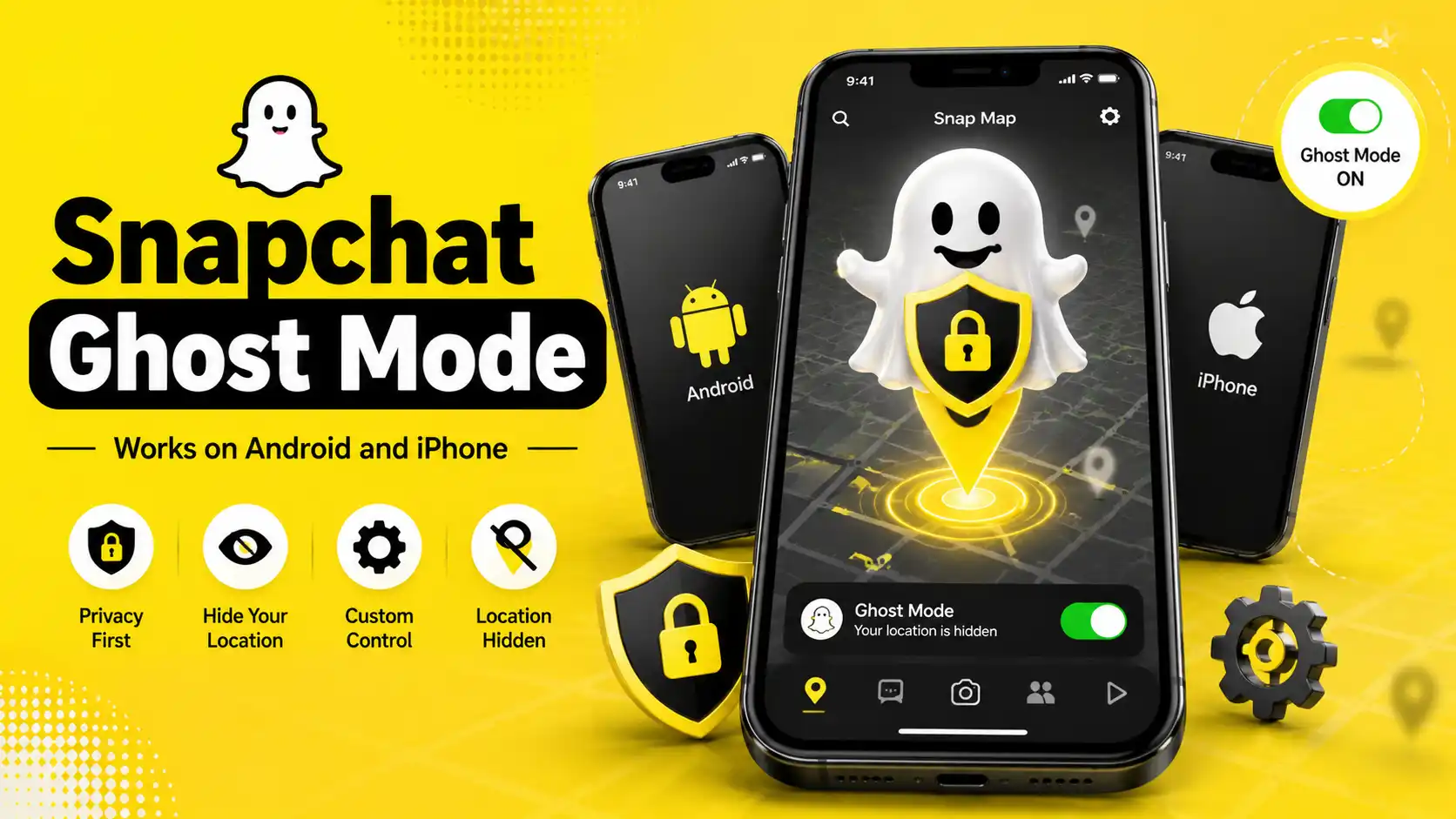
Snapchat Ghost Mode Explained: How to Enable, Disable & Stay Private
Introduction
Want to keep your location private on Snapchat? Ghost Mode gives you control over whether your location appears on Snap Map. This lets you use Snapchat without sharing your whereabouts with other people. You might use it when you want extra privacy or do not want friends to see where you are. It is also useful if you simply prefer to stay off the Snap Map for a while.
You can also turn Ghost Mode on or off whenever you want. In this guide, you’ll learn what Snapchat Ghost Mode is, how it works, how to enable or disable it, and what to know before using it.
What Is Snapchat Ghost Mode?
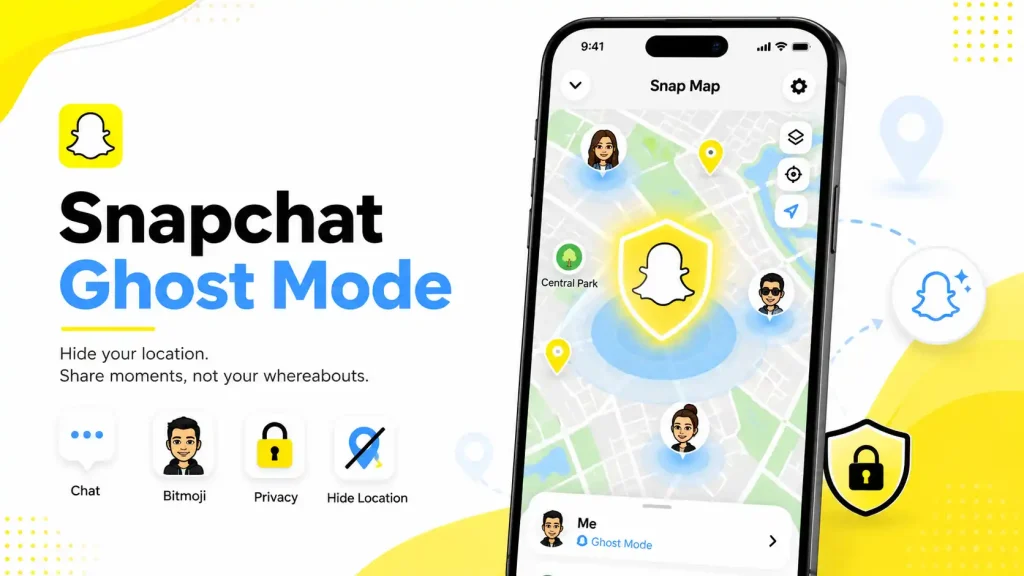
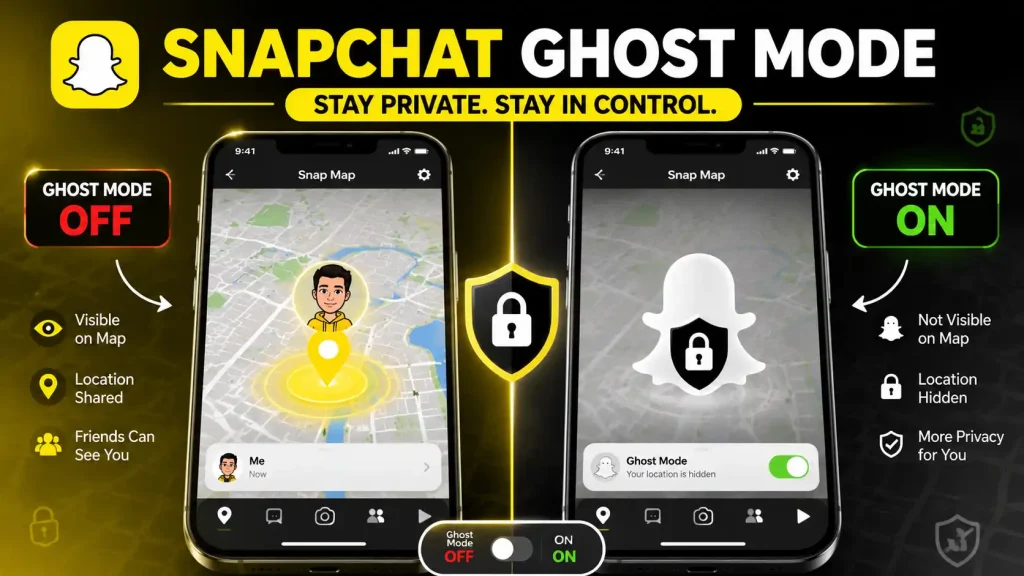
Snapchat Ghost Mode is a setting that stops your location from being visible to other people through Snap Map. Once it is turned on, your location is no longer shown there, while the rest of the Snapchat app continues to work as usual. When Ghost Mode is on, your Bitmoji would not appear on Snap Map, so your friends cannot see your location.
You can still send Snaps, chat with friends, watch Stories, and use other Snapchat features normally. The setting is specifically related to location sharing. It does not make your Snapchat account invisible or hide your other activity from people who can normally see it.
Why Do People Use Ghost Mode?
People turn on Ghost Mode for different reasons. Some people prefer not to share their location, especially when they’re traveling, out with friends, or busy. It can also be useful for people who simply do not want their location displayed on a map. They can keep chatting, sending Snaps, and watching Stories as usual. At the same time, they can choose not to appear on Snap Map. For many users, the biggest benefit is having more control over who can see their location while still using Snapchat.
How to Turn On Ghost Mode on Snapchat
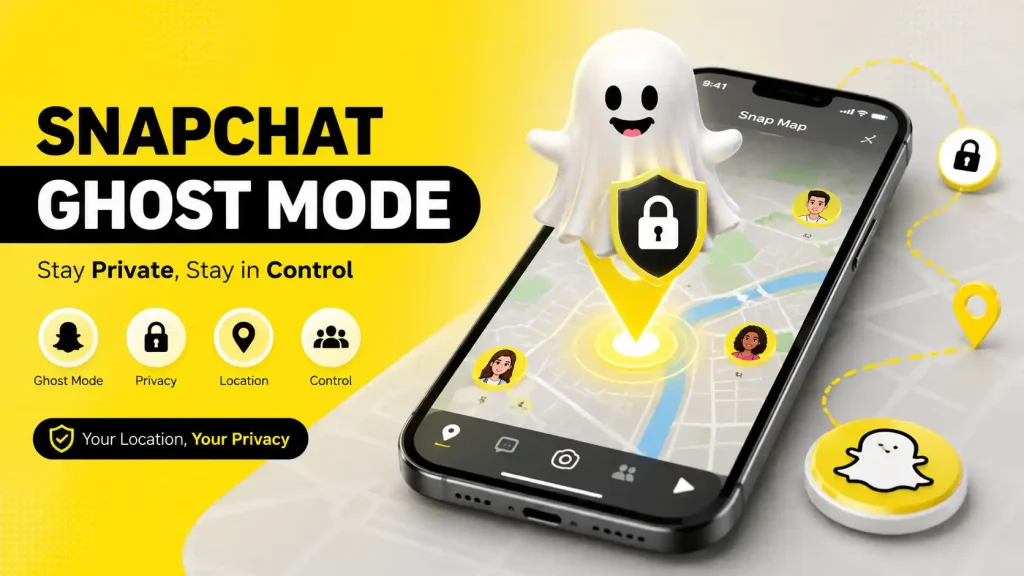
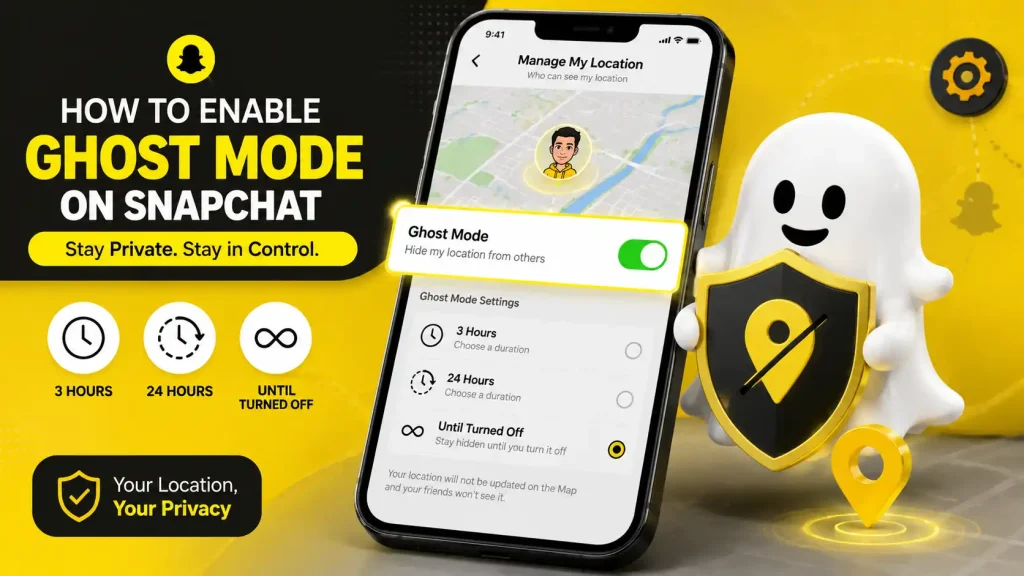
You can turn on Ghost Mode from Snap Map in just a few steps.
From Snap Map
- Open Snapchat and go to the camera screen.
- Pinch the screen with two fingers or tap the Map icon to open Snap Map.
- Tap the Settings (⚙️) icon.
- Turn on Ghost Mode.
- Choose how long you want the setting to stay active.
Once Ghost Mode is enabled, your location will no longer be visible to other people on Snap Map for the time you selected.
Available Ghost Mode Options
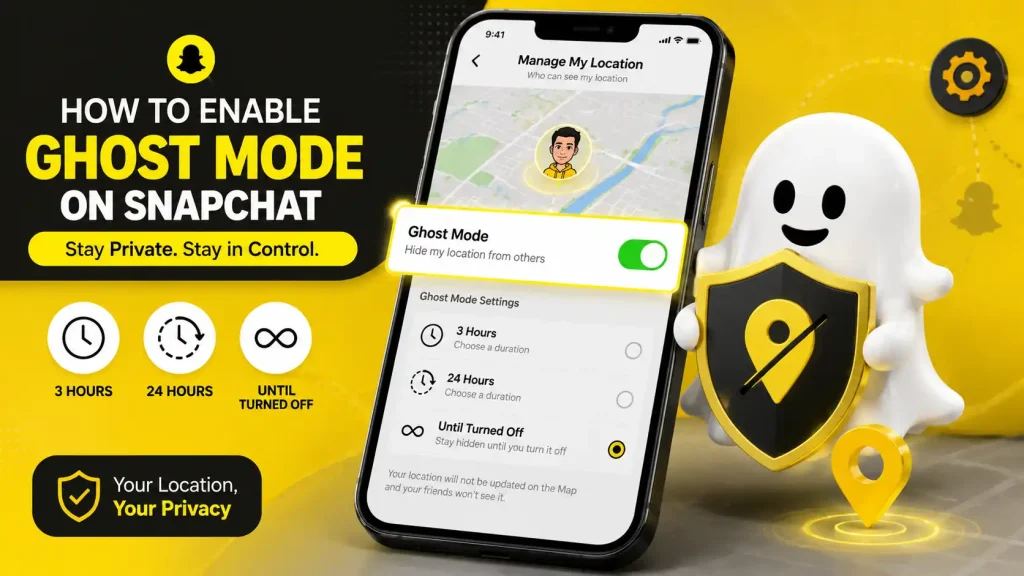
Snapchat gives you a few choices for how long you want Ghost Mode to remain active:
- 3 Hours – Keeps your location hidden for three hours.
- 24 Hours – Hides your location for the next 24 hours.
- Until Turned Off – Keeps Ghost Mode active until you manually switch it off.
The last option is useful if you want to keep your location hidden without setting a specific time limit.
How to Turn Off Ghost Mode on Snapchat
If you want your location to appear on Snap Map again, you can disable Ghost Mode from the same settings area.
- Open Snapchat and go to Snap Map.
- Tap the Settings (⚙️) icon.
- Turn Ghost Mode off.
- Select the people you want to share your location with.
After you disable Ghost Mode, your location-sharing preferences will apply again. Your Bitmoji can appear on Snap Map according to those settings.
Also Read Articles Now,
- Mars Snapchat Planet: Meaning, Position, Emoji & Friend Ranking
- Saturn Snapchat Planet: Meaning, Position & Friend Solar System Guide
- What Does BTW Mean on Snapchat? Meaning, Usage & Examples
- What Does ISTG Mean on Snapchat? Meaning, Usage & Examples
- How to Get Snapchat Plus Free Trial Today (Step-by-Step Guide)
- How to Get Snapchat Plus Free Trial Today (Step-by-Step Guide)
- How to Get Snapchat Plus Free Trial Today (Step-by-Step Guide)
- How to Get Snapchat Plus Free Trial Today (Step-by-Step Guide)
- What Does ISTG Mean on Snapchat? Meaning, Usage & Examples
- What does Purple Circle mean on Snapchat? Color Meanings Explained
- Snapchat Emojis Meanings (2026): Every Heart, Icon & Planet Explained
- How to Start & Restore a Snapchat Streak (Step-by-Step)
- How to Change Snapchat Icon Without Snapchat Plus – Know Complete Guide 2026
- How To Know If Someone Has Snapchat Plus – Know Step-by-Step Guide 2026
- How to Get a Snapchat Free Trial Easily – Step-by-Step Complete Guide 2026
- How Long Does The Snapchat Solar System Take To Update?
Who Can See Your Location Without Ghost Mode?
Once Snapchat Ghost Mode is turned off, Snapchat allows you to decide who gets access to your location. You do not necessarily have to share it with every friend on your list.
With My Friends, your location can be seen by the friends you have added on Snapchat. If there are some specific people you want to exclude, My Friends, Except… lets you hide your location from those contacts. Your location will still be visible to the rest of your friends.
There is also an Only These Friends option. You decide which friends can view your location, while the rest would not be able to see it. This can be useful when you only want a small group to know where you are.
How Does Snapchat Ghost Mode Work?
Ghost Mode works by changing how your location is shared through Snap Map. When you turn it on, Snapchat hides your location on Snap Map, so your friends can’t see where you are. Your own access to Snapchat does not change. You can continue using the app, which includes opening Snap Map and viewing locations that are available to you.
Snapchat Ghost Mode is different from blocking someone because it only changes your location-sharing settings. You stay connected on Snapchat, but your location no longer appears on Snap Map. You can also change the setting whenever you want. It gives you control over when your location is visible on Snap Map.
Does Ghost Mode Turn Off Location Services?
No. Ghost Mode and your phone’s location services are separate settings. When you enable Ghost Mode, only your Snapchat location is hidden. It does not disable location on your device.
Your device can continue providing location access to other apps that have permission to use it. If you want to disable location completely, update the location permissions in your phone’s settings.
Does Ghost Mode Affect Other Snapchat Features?
No. Snapchat Ghost Mode only changes how your location is shared on Snap Map. It does not stop you from using the other parts of Snapchat normally. You can still send and receive Snaps, chat with friends, watch Stories, browse Spotlight, make voice or video calls, save Memories, and use Snapchat Lenses. Everything else continues to work normally while your Snapchat location stays hidden from the map.
Can Someone Tell If You’re Using Ghost Mode?
Snapchat does not send your friends a notification when you turn on Ghost Mode. They will simply stop seeing your location on Snap Map while the setting is active.
There is no pop-up, chat message, or separate alert that tells someone you have enabled or disabled the feature. However, a friend may notice that your location is no longer available if they check Snap Map and cannot see you there.
What Does Ghost Mode Look Like to Your Friends?
When Ghost Mode is turned on, your location is no longer visible to friends on Snap Map. Your Bitmoji will not appear at your current location, so friends cannot use the map to see where you are.
Snapchat does not send them a notification saying that you enabled Ghost Mode. They will simply notice that your location is not showing on the map. There is also no special message or badge that tells your friends you are using Ghost Mode. From your friend’s perspective, your location is simply unavailable while the feature is active.
Does Ghost Mode Hide Your Last Active Time?
Ghost Mode is only connected to Snap Map. If someone can normally see activity information from your Snapchat account, turning this feature on will not remove it. Your location can be hidden while other parts of your account continue to behave as usual. For example, Story views, chat status, and message delivery or opening information are separate from location sharing. Being hidden on Snap Map does not mean you are invisible on Snapchat. Other features still work normally.
When Should You Use Ghost Mode?
Ghost Mode can be useful whenever you do not want your location visible on Snap Map. You might turn it on while traveling, during a vacation, at school or work, or when attending a public event.
It can also be helpful when meeting new people or when you simply want some extra privacy. Some users always use Ghost Mode, while others turn it on only when they do not want to share their location.
Does Ghost Mode Save Battery?
Not directly, as it is not a battery saver. The main purpose of Ghost Mode is to hide your location, not improve battery life. It depends on your device and location settings such as Snapchat may have limited access to your location. As a result, some location-based features may not work as expected in certain situations. However, any battery difference is likely to be small and can vary from one phone to another. So, Ghost Mode should be used for location privacy rather than as a way to extend battery life.
Does Ghost Mode Work on Android and iPhone?
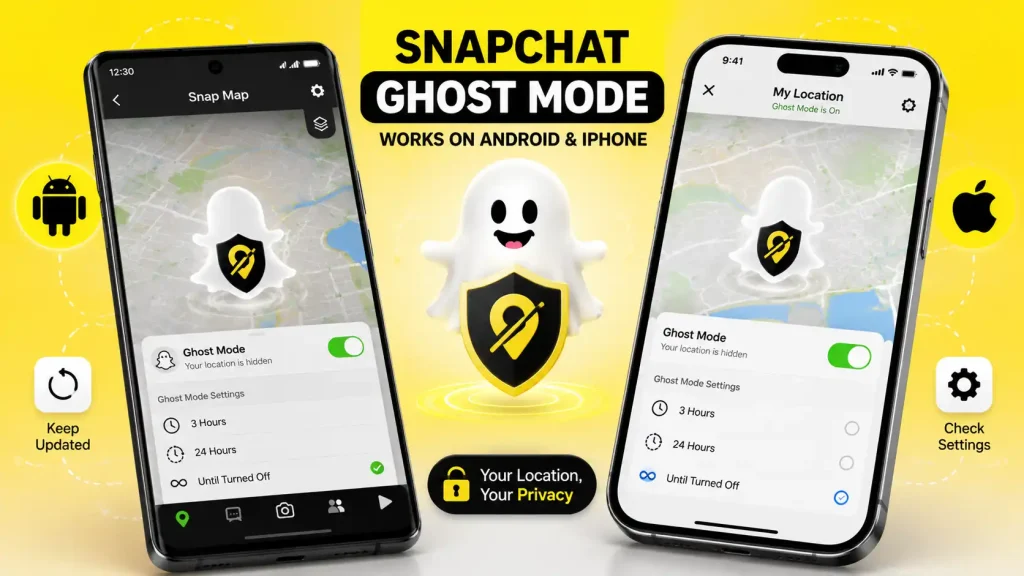
Yes. Ghost Mode is available on Snapchat for both Android and iPhone users. You can use Ghost Mode to control your location visibility on supported devices, whether you are using Android or iPhone.
The exact buttons or layout may look slightly different depending on your Snapchat version and device. If an option appears in a different place, make sure your app is updated to the latest available version.
Common Reasons Ghost Mode Is not Working
If Ghost Mode does not seem to work properly, the problem may be related to your Snapchat app, internet connection, or phone settings. Try these fixes one by one.
Update Snapchat
Check if a newer version of Snapchat is available. An outdated version can sometimes cause temporary problems with features such as Snap Map.
Restart Snapchat
You should close Snapchat completely and open it again. This process can refresh the app and may fix a temporary issue with your location settings.
Verify Location Permissions
Open your phone’s settings and check Snapchat’s location permissions. Incorrect permissions can affect how location features work in the app.
Log Out and Back In
Signing out of Snapchat can refresh your account session. Then, logging back in may fix your temporary account-related issues.
Restart Your Phone
If the problem continues, restart your device. A simple restart of your device can clear temporary system or app issues that may affect Snapchat.
Check Internet Connection
Check that your phone has a strong and stable internet connection. Poor internet can slow down changes and updates on Snap Map.
Benefits of Snapchat Ghost Mode
Ghost Mode gives you a simple way to decide when your location should appear on Snap Map. Once it is active, friends cannot see your location there, while the rest of Snapchat remains available as usual.
Another useful part is the flexibility. You can switch the feature on or off whenever you want and choose how long it should stay active. Snapchat also keeps your friends from receiving a notification when you enable it.
Most importantly, Ghost Mode does not interfere with everyday Snapchat use. YYou can still send Snaps, chat, watch Stories, and use other Snapchat features while keeping your location hidden. For anyone who prefers a little more privacy, that extra control can be useful.
Limitations of Ghost Mode
Ghost Mode is mainly for hiding your location on Snap Map. It does not hide everything you do on Snapchat. Your chats and Story views are still handled normally. Turning on Ghost Mode does not make those activities private.
It also does not switch off the location service on your phone. Other apps can still use your location if you have given them permission. Another thing to remember is that Ghost Mode is not automatic. You have to turn it on yourself when you want to stop sharing your location.
FREQUENTLY ASKED QUESTIONS (FAQs)
Can someone know if I use Ghost Mode?
No, Snapchat does not notify others when you turn on Ghost Mode.
Can I still see my friends’ locations?
Yes, you can still view others on Snap Map unless they have also enabled Ghost Mode.
Does Ghost Mode turn off automatically?
It depends on the option you choose. You can set a time limit or keep it on until you disable it.
Is Ghost Mode available for everyone?
Yes, Ghost Mode is available to all Snapchat users and does not require a subscription.
Will my location update when Ghost Mode is off?
Yes, once you turn it off, your location updates again based on your activity.
Can I hide my location from specific people only?
Yes, Snapchat allows you to share your location with selected friends instead of everyone.
Conclusion
Snapchat Ghost Mode is a simple but powerful feature that keeps your location private. It allows you to stay in full control of who can see where you are. Ghost Mode allows you to hide your location whenever you want for better privacy. It also helps you use Snapchat safely without sharing your location at all. It’s understanding that helps you to use Snapchat with confidence and more control. You can enjoy the app without worrying about your location being seen.