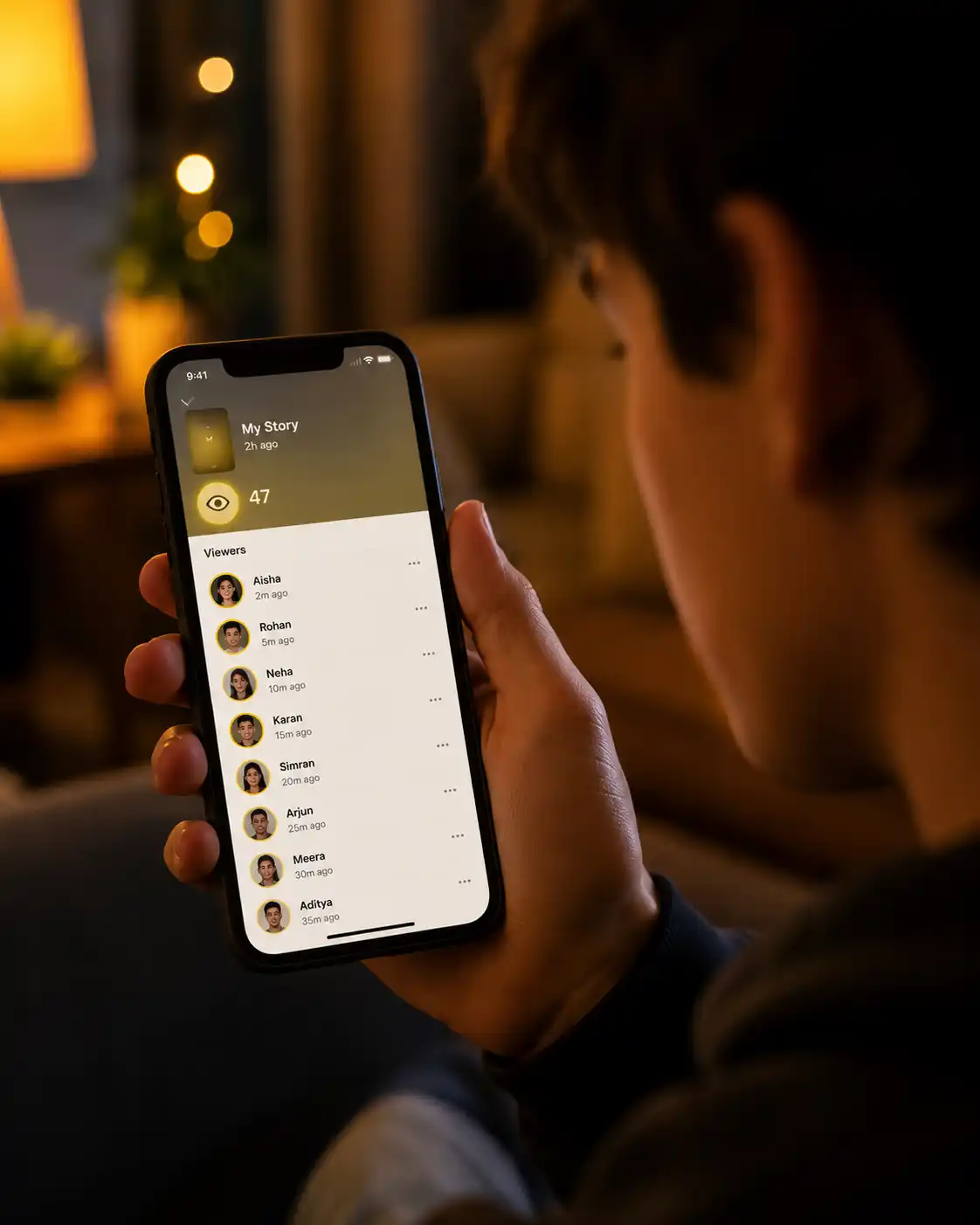
Who Rewatched Your Snapchat Story? Here’s How to Actually Check
You post a Story, put your phone down, and twenty minutes later you’re staring at the little eye icon under it wondering: did someone actually watch this twice? Maybe it’s your crush. Maybe it’s the friend who never texts back but somehow always sees your Snaps first. Either way, that curiosity is exactly why Snapchat built the Rewatch Indicator — and most people still don’t know it exists, let alone how to switch it on, or why the story rewatch count sometimes stops working out of nowhere.
Here’s the full breakdown, without the fluff.
So Does Snapchat Actually Tell You Who Rewatched Your Story?
Short answer: not by name. Snapchat will tell you that someone rewatched your Story and roughly how many people did — but it stops short of naming names. If you were hoping for a list that says “Sarah watched this 4 times,” that’s not how it works, and honestly, it’s probably for the best. Nobody wants their friends knowing they replayed a Snap five times.
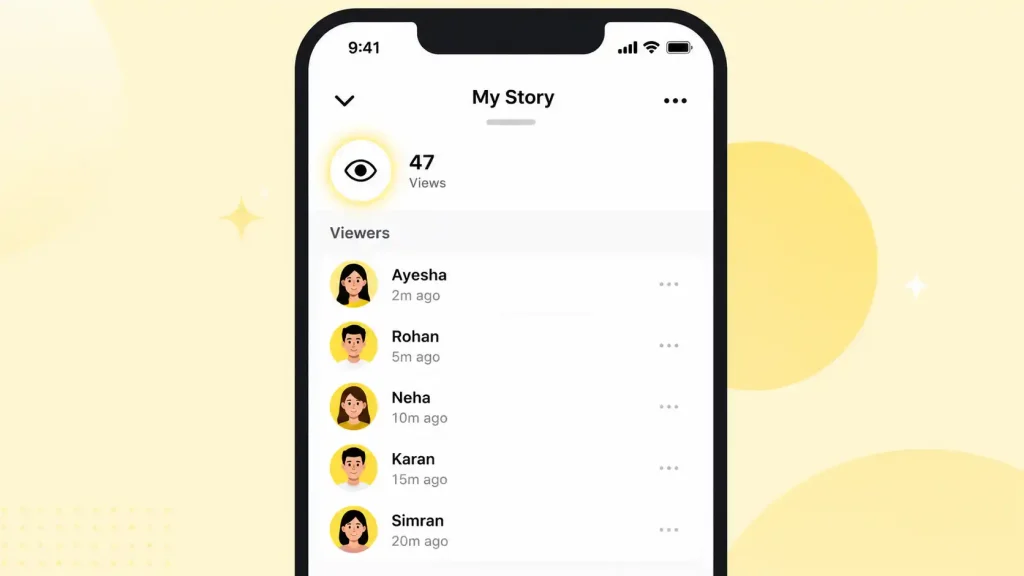
What you do get is called the Snapchat Rewatch Indicator, and it’s a small eyes emoji (👀) that shows up next to your view count once someone has watched your Story more than once. The number beside it tells you how many different friends rewatched — not the total number of replays. So if one person watches your Story three times, that still only counts as one rewatch, not three.
The Catch: You Need Snapchat+
This feature isn’t available to everyone by default. It’s locked behind Snapchat+, the app’s paid subscription that costs a few dollars a month. If you don’t have it, you’ll only see the standard view list — no rewatch data at all.
Here’s the difference laid out plainly:
| Free Snapchat | Snapchat+ | |
|---|---|---|
| See who viewed your Story | ✅ Yes | ✅ Yes |
| See how many rewatched your story | ❌ No | ✅ Yes (count only) |
| See exact rewatch time (Story Timestamps) | ❌ No | ✅ Yes |
| See replay count per person | ❌ No | ❌ No (nobody gets this) |
| Pin a #1 Best Friend | ❌ No | ✅ Yes |
| Custom app icon | ❌ No | ✅ Yes |
If you’re already paying for Snapchat+, here’s exactly where to find the toggle.
How to Turn On the Story Rewatch Count
- Open Snapchat and tap your profile icon in the top-left corner.
- Tap on your Snapchat+ membership card.
- Scroll to Story Rewatch Count and toggle it on.
- Post or open an existing Story, swipe up from the bottom of the screen, and look for the eyes icon sitting next to your viewer list.
That’s it. Once it’s on, it stays on for every Story you post — My Story, Private Stories, and Shared Stories all included — until you turn it off yourself.
What the Rewatch Indicator Won’t Show You
It’s worth being upfront about the limits here, because a lot of people expect more than the feature actually gives:
- No names. You’ll never see exactly who rewatched — just the count.
- No replay count per person. If your best friend watched your Story ten times, it still only registers as one rewatch toward the total.
- No history. Once your Story expires after 24 hours, the rewatch data disappears with it. There’s no archive to go back and check later.
- It only tracks views after you turn it on. If the feature was off when someone rewatched, it won’t retroactively show up.
Basically, think of it as a mood ring for your Story’s popularity, not a surveillance tool. It tells you something is landing with your audience — not who exactly is obsessed.
Also Read Articles Now,
- Snapchat Ghost Mode Explained: How to Enable, Disable & Stay Private
- Mars Snapchat Planet: Meaning, Position, Emoji & Friend Ranking
- Saturn Snapchat Planet: Meaning, Position & Friend Solar System Guide
- What Does BTW Mean on Snapchat? Meaning, Usage & Examples
- What Does ISTG Mean on Snapchat? Meaning, Usage & Examples
- How to Get Snapchat Plus Free Trial Today (Step-by-Step Guide)
- How to Get Snapchat Plus Free Trial Today (Step-by-Step Guide)
- How to Get Snapchat Plus Free Trial Today (Step-by-Step Guide)
- How to Get Snapchat Plus Free Trial Today (Step-by-Step Guide)
- What Does ISTG Mean on Snapchat? Meaning, Usage & Examples
- What does Purple Circle mean on Snapchat? Color Meanings Explained
- Snapchat Emojis Meanings (2026): Every Heart, Icon & Planet Explained
- How to Start & Restore a Snapchat Streak (Step-by-Step)
- How to Change Snapchat Icon Without Snapchat Plus – Know Complete Guide 2026
- How To Know If Someone Has Snapchat Plus – Know Step-by-Step Guide 2026
- How to Get a Snapchat Free Trial Easily – Step-by-Step Complete Guide 2026
- How Long Does The Snapchat Solar System Take To Update?
Why Your Snapchat Rewatch Count Isn’t Showing Up
If you’ve noticed your rewatch number vanish, freeze, or not match what you’d expect, you’re not imagining it — “snapchat rewatch not showing” is one of the more common complaints among Snapchat+ users. A few things usually explain it:
- App cache issues. Snapchat’s counters occasionally lag behind in real time. Force-closing and reopening the app, or clearing the app cache from your phone’s settings, fixes this more often than people expect.
- The Story already expired. Once a Story hits the 24-hour mark and disappears, its rewatch data goes with it. If you check back the next day, there’s nothing left to show.
- The toggle got switched off. Snapchat+ subscriptions occasionally reset preferences after an app update, silently turning the Rewatch Indicator back off. Worth double-checking the toggle after any update.
- You’re looking at a Snap, not a Story. The Rewatch Indicator only applies to Stories — individual Snaps sent directly to a friend don’t carry this feature at all.
If none of that fixes it, the most reliable move is logging out and back in, since that forces the app to resync your account data from Snapchat’s servers.
A Few Other Snapchat+ Perks Worth Knowing About
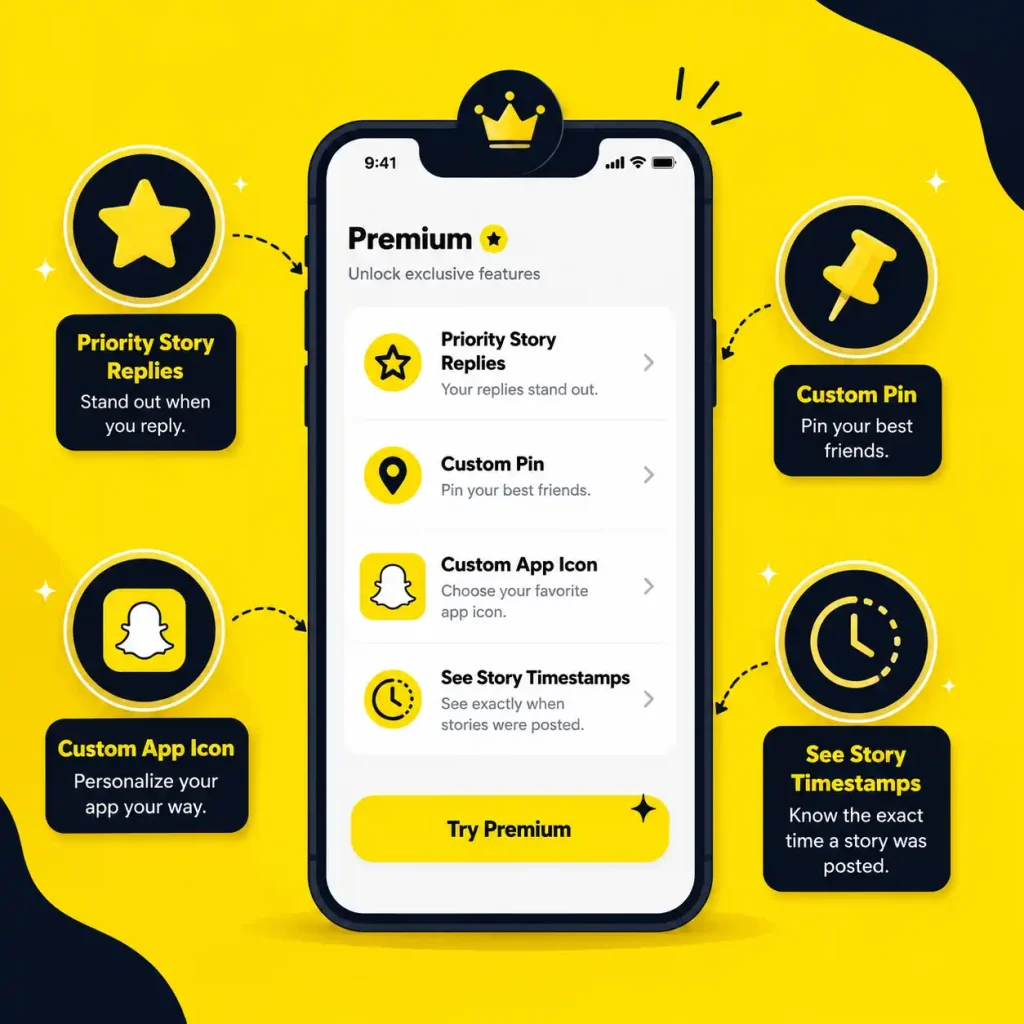
Since the Rewatch Indicator only comes bundled inside Snapchat+, it’s worth knowing what else you’re unlocking along with it:
- Story Timestamps — see the exact time your friends viewed your Story, right under their name in the viewer list.
- #1 Best Friend Pin — pin one friend to the very top of your friends list, permanently, instead of letting the algorithm decide.
- Custom app icons — swap out the default ghost for one of dozens of alternate designs.
- A Snapchat+ badge — a small gold icon next to your name so friends know you’re subscribed.
None of these change how your Snaps look to friends who aren’t subscribed — they’re all quality-of-life upgrades for your own experience.
Why People Rewatch a Story in the First Place
If you’re seeing that eye icon pop up more often than usual, take it as a compliment. People generally rewatch Stories for a handful of reasons: they missed something the first time (a caption, a face in the background, a song playing), the content was genuinely funny or attractive enough to watch twice, or — let’s be honest — they’re checking someone out a little too closely. Either way, a rising rewatch count is one of the clearer signs that your Story actually held someone’s attention instead of getting swiped past.
Simple Ways to Get More Rewatches
If you’d rather stop guessing and actually push that number up, a few small habits make a noticeable difference:
- Slow the pace down. Stories with fast cuts or too much happening at once often get replayed just so people can catch what they missed — use that intentionally with a quick caption or detail worth a second look.
- Add text that takes a second to read. A caption someone has to pause and reread is a built-in reason to rewatch.
- Post when your friends are actually online. Early evening tends to get more real-time engagement than a 3 a.m. post nobody sees until it’s nearly expired.
- Use music or audio cues. Stories with sound often get replayed by people who scrolled past too fast the first time and wanted to actually hear it.
- Don’t overload one Story with too many slides. Shorter, punchier Stories get rewatched more than a ten-slide dump most people swipe through once and forget.
Quick Answers to What People Usually Ask Next
Does the rewatch count include my own views of my Story? No. It only tracks views from friends, not the times you open your own Story to check on it.
Can I see who rewatched without Snapchat+? No — the Rewatch Indicator is exclusively a Snapchat+ feature. Without the subscription, you’ll only see your total viewer list, same as before.
Does a higher rewatch count affect who sees my Story next? Snapchat hasn’t confirmed that rewatches directly boost your Story’s reach the way engagement does on other apps, but higher engagement in general tends to keep your content more visible to your existing friend list.
Can someone tell if I rewatched their Story? Only if they’re a Snapchat+ subscriber with the Rewatch Indicator turned on — and even then, they’ll only see that someone rewatched, not that it was specifically you.
Does rewatching a Story move that person to the top of my friends list? No. Rewatching a Story has no effect on your Best Friends ranking. That order is based on overall Snap and chat frequency, not Story views or rewatches.
Does the Rewatch Indicator work on Snapchat for Web? Yes, as long as you’re logged into the same Snapchat+ account, the Story Rewatch Count applies the same way it does on mobile.
Why does my rewatch count say zero even though I know people watched it twice? Give it a few minutes — the counter isn’t always instant. If it’s still stuck at zero after a while, it’s usually one of the glitches covered above rather than a sign nobody rewatched.
At the end of the day, the Rewatch Indicator is a small feature, but it scratches a genuinely human itch — wanting to know if what you post actually lands. Just don’t expect it to hand you a name and a headshot. Snapchat’s keeping that mystery intact, at least for now.